What is digital staging?
Digital staging is an AI service that adds furniture, textiles and decor to empty or unfurnished room photos. The result is a professionally styled image you can use in listings, social media and brochures.
Upload a photo of an empty or unfurnished room, pick a style and room type, and our AI produces a finished, furnished image in 1–3 minutes. Windows, walls and architecture are preserved — only furniture, textiles and decor are added.

Listen for 2.5 minutes
Hear how digital staging can help buyers understand a room's potential – and give agents a simpler path to inspiring property marketing. The narration is in Norwegian.
Prefer that we do it?
Send the photos to post@3dsenteret.no and we deliver 3 finished photos per property for NOK 499 – with all digital services included.
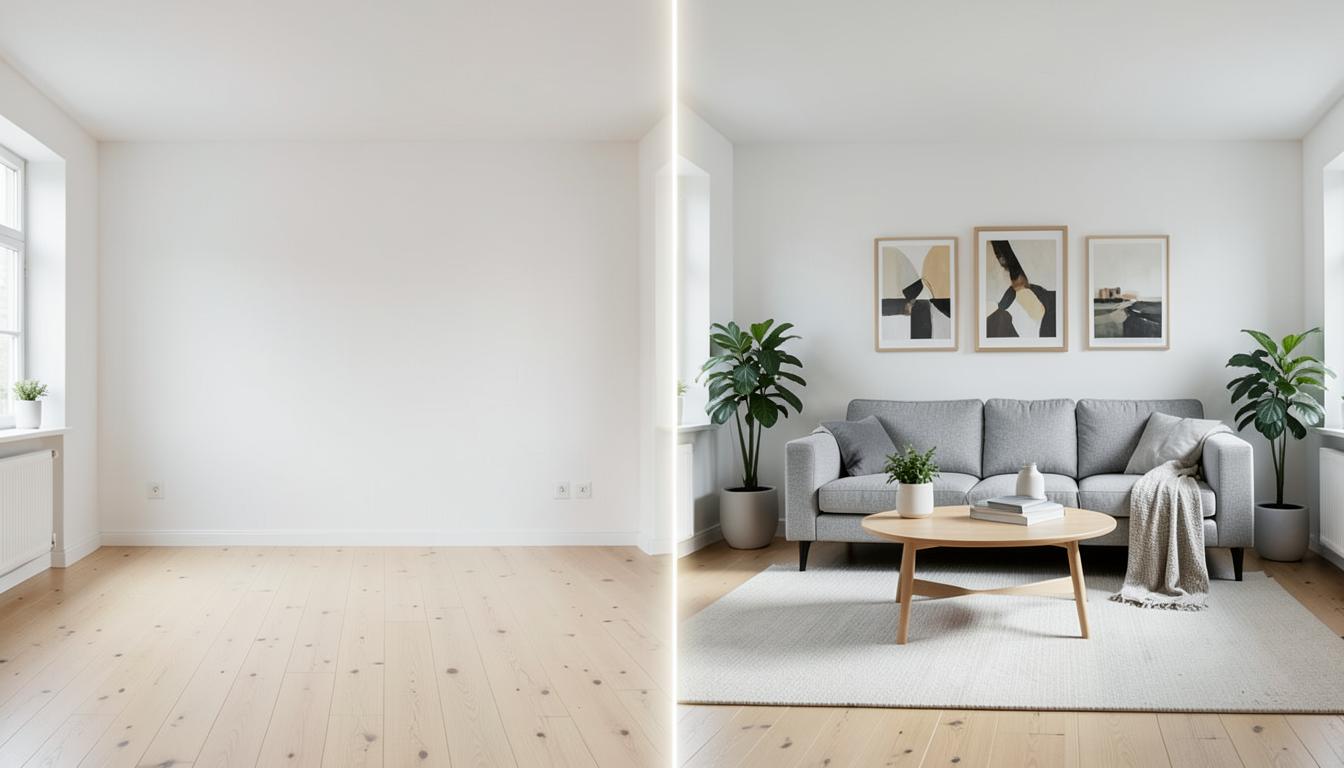
With AI-powered digital staging, empty rooms can be transformed into inviting, fully furnished rooms in seconds. Hover over the images to see the difference.
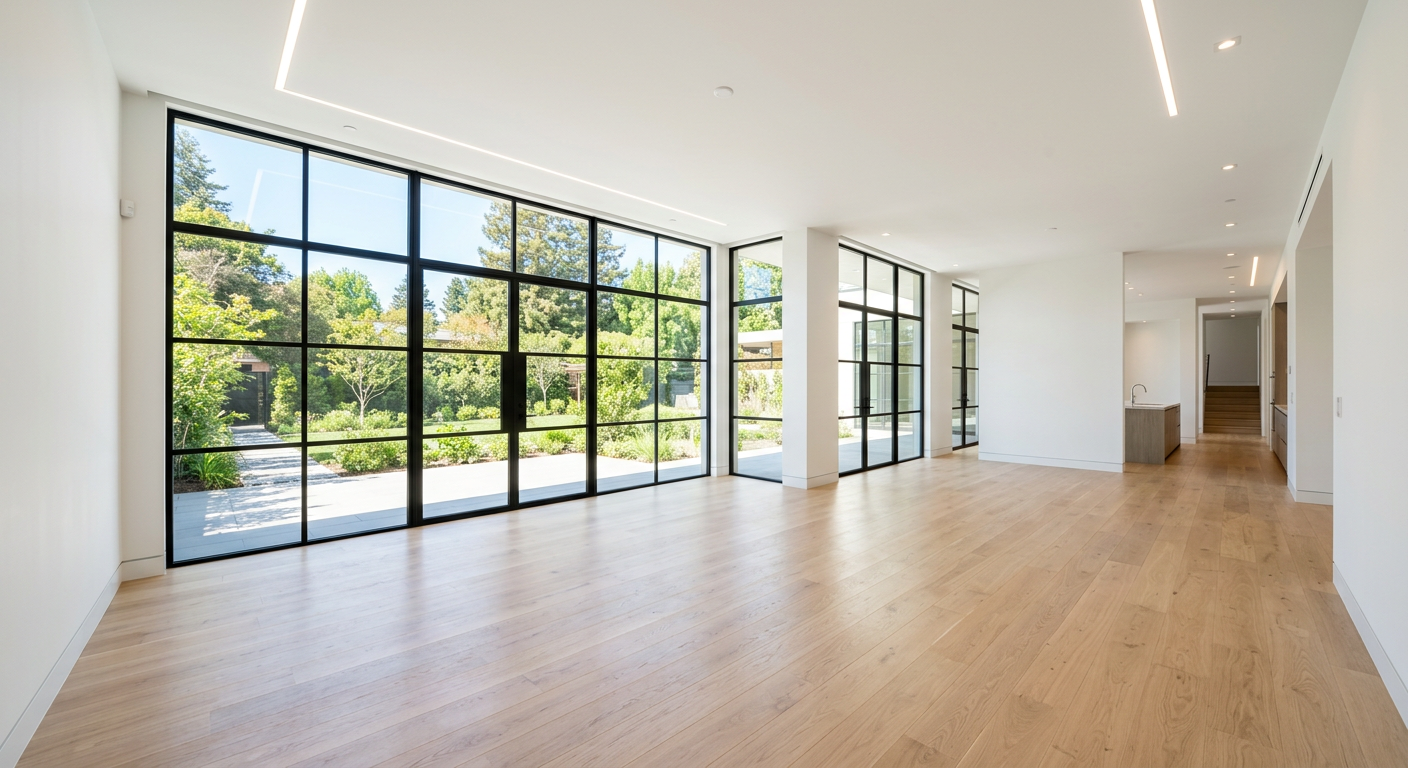
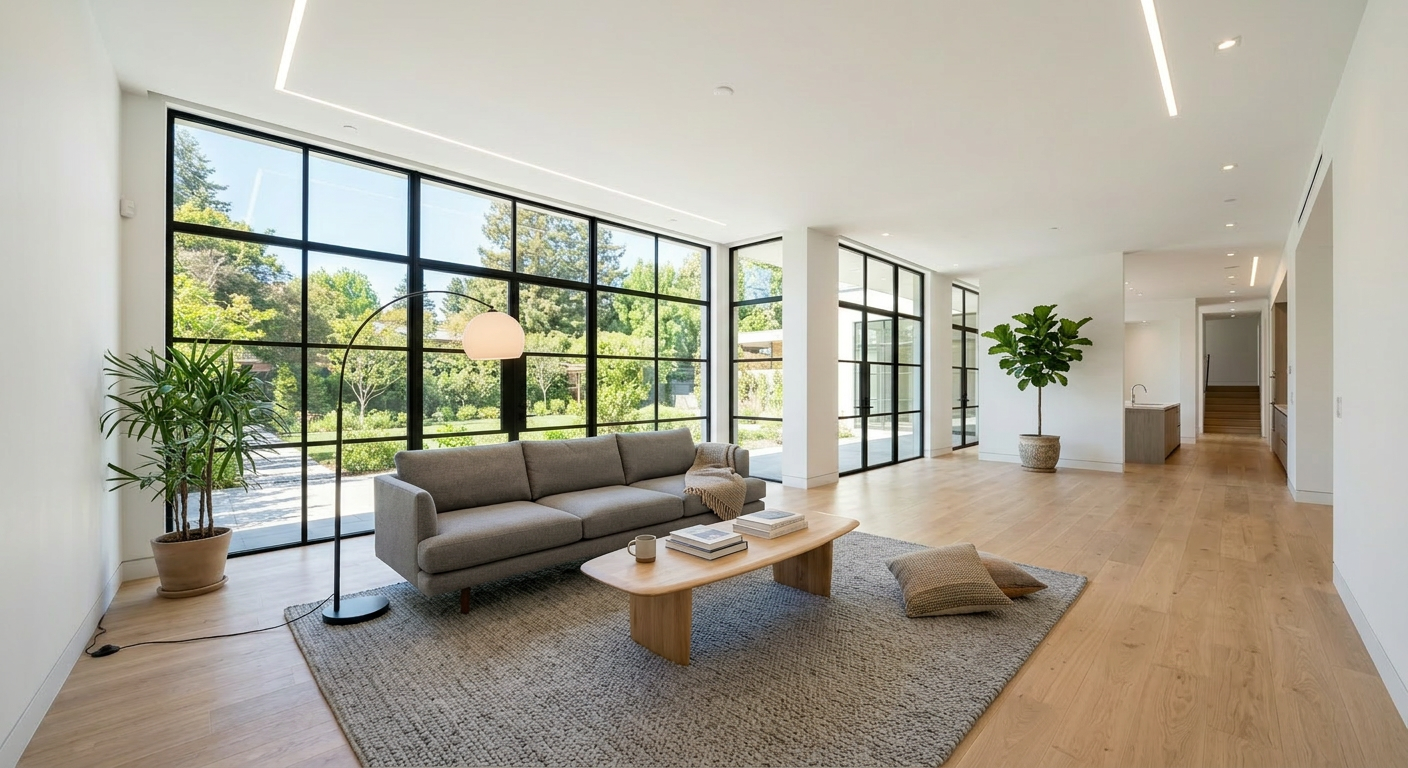
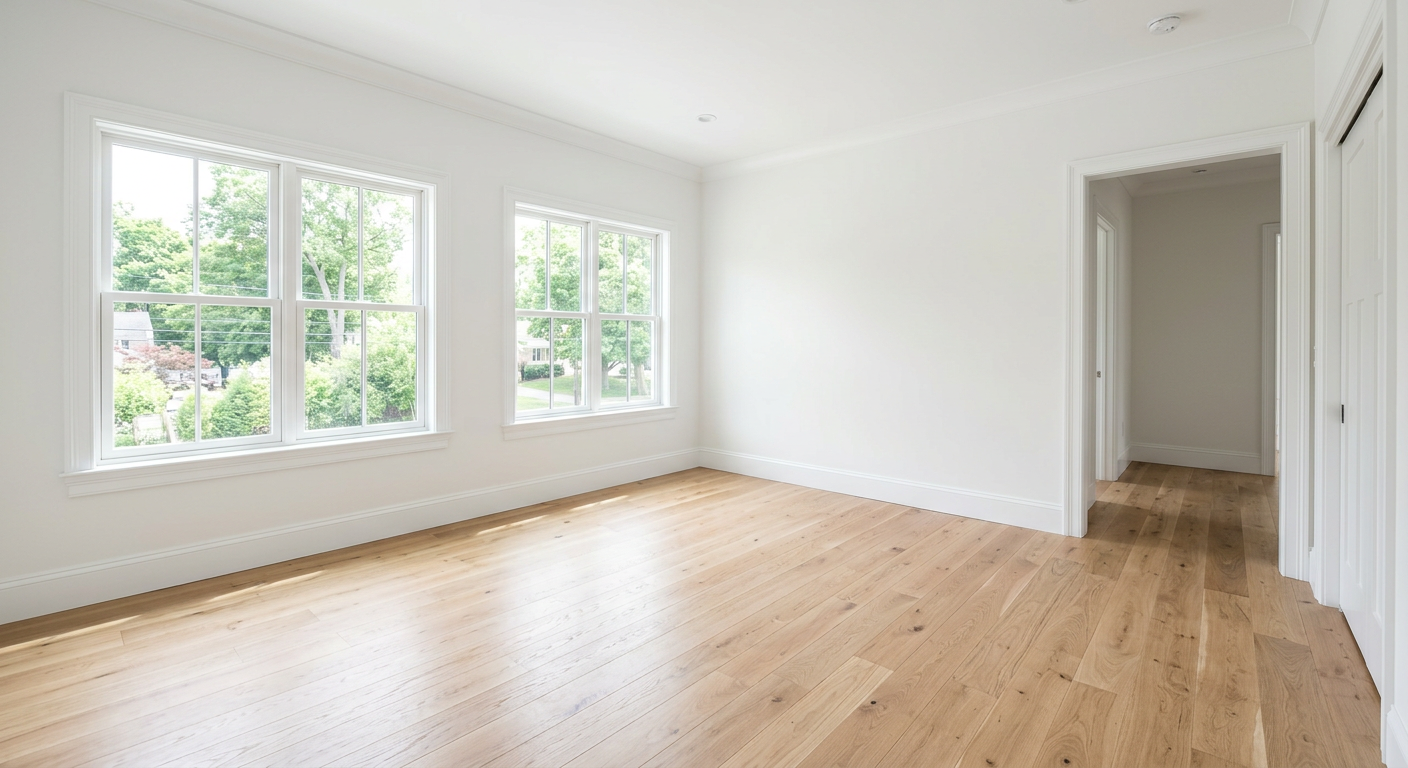
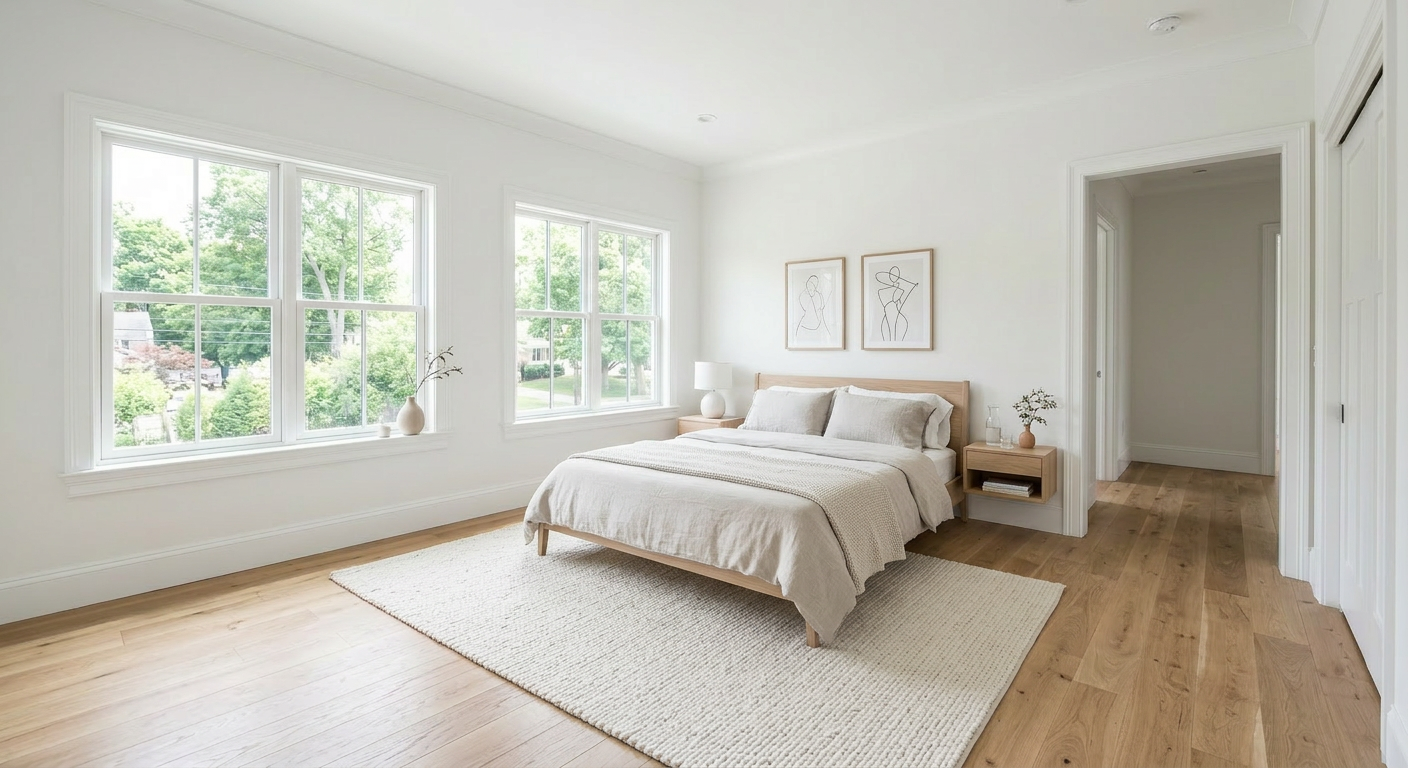
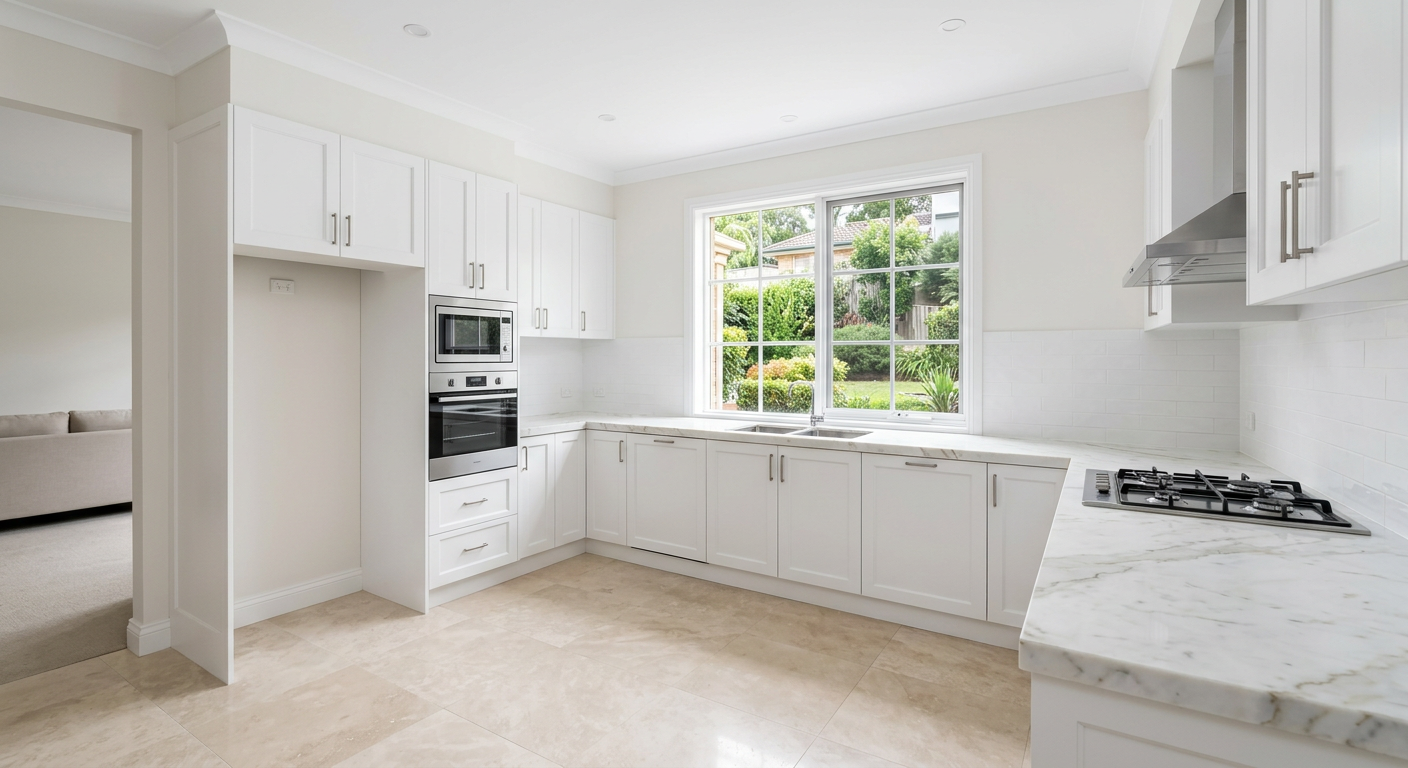
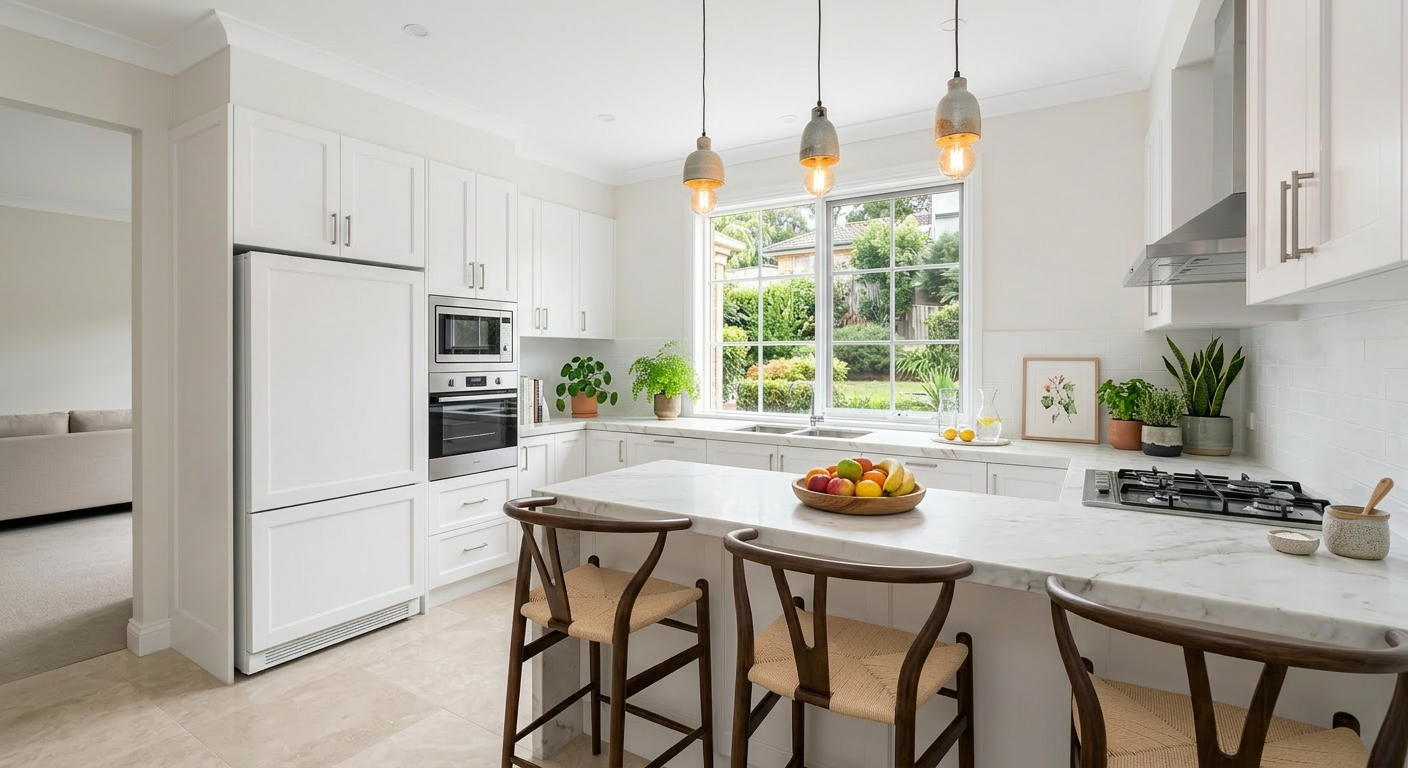
Images are generated with AI and show examples of what the service can do.
Three simple steps from an empty room to a listing-ready image — entirely in your browser.
Pick a photo of an empty or unfurnished room. JPG or PNG, from a phone or DSLR.
Tell us if it's a living room, bedroom, kitchen, bathroom or other — then pick a style direction such as Scandinavian, modern, luxury or rustic.
The AI furnishes the room in 1–3 minutes. Windows, walls and view are preserved — only furniture, textiles and decor are added.
1–3 min
delivery time
8
room types
6
style directions
JPG
file format
Scandinavian
Light colors, natural materials, soft textiles — the classic Nordic listing style.
Modern
Clean lines, neutral colors and functional furniture in contemporary design.
Minimalist
Few pieces, lots of air and focus on the room's architecture — perfect for small flats.
Luxury
Premium materials, deep texture and signature furniture — for premium properties.
Industrial
Raw materials, metal, leather and warm lighting — fits lofts and urban apartments.
Rustic
Wood, textile and natural colors — for cabins, log houses and farmhouses.
Used daily by agents, photographers and owners who want the property to sell faster.
Stage empty flats and new builds before showings — listing-ready images in minutes, no rented furniture.
Get professional listing photos without hiring a stylist or photographer.
Deliver staged photos as an add-on product — increases order value per delivery.
Show off projects before move-in with realistic, furnished images of new builds.
Delivery time
Typically 1–3 minutes per image. You get a notification when the image is ready.
Pricing
Digital staging costs 499 NOK per month and uses credits from your subscription — the same credit pool as evening photos. .
Short answers to what people ask before they start using the service.
Digital staging is an AI service that adds furniture, textiles and decor to empty or unfurnished room photos. The result is a professionally styled image you can use in listings, social media and brochures.
Typically 1–3 minutes per image. You get an email and an in-browser notification when the image is ready.
No. The AI preserves walls, windows, doors, ceiling and view exactly as in the original photo. Only furniture, textiles and decor are added. If you spot structural changes you can report the image and get the credit refunded automatically.
Living room, bedroom, kids' room, kitchen, dining room, home office, bathroom and outdoor area — eight room types in total.
Six style directions: Scandinavian, modern, minimalist, luxury, industrial and rustic. Pick the one that suits the property best.
Digital staging costs 499 NOK per month and uses credits from your subscription — the same credit pool as evening photos. Combine several services for a discount; all services together cost 899 NOK in All-in-one.
You get a JPG in full resolution. It can be uploaded directly to listing portals, social media and brochures without conversion.
Yes. Images generated through 3D Senteret can be used freely in marketing, listings, brochures and social media.
No. The service runs in your browser on Mac, PC, iPhone and Android — all you need is a 3D Senteret account.
Create an account and stage your first room photo in minutes.